
Signatures
Email signatures that make a great first impression
Start from one of 27 ready-made designs, add your photo or logo, contact details and social icons, even your name in handwriting. NotiSpark Mail then adds it to your emails on your computers and your phone.

From the website to your inbox
Build a signature in under a minute and watch it appear in NotiSpark Mail on the computer and the phone, in any color theme.
27 designs to start from
Simple, with a photo, with a logo, bold, creative or made for business. Pick one you like and change anything in a few clicks.
- Your photo or logo, round or square
- Contact details with neat icons, easy to tap on phones
- Social icons in 12 styles, from simple to playful

Your name in handwriting
Choose from 11 handwriting styles for a personal touch. Your name is added as a picture, so everyone sees it exactly the same in every mail app.

On your computer and your phone
Save your signature once on the website. With Pro or Business, NotiSpark Mail adds it to your new emails on all your computers and phones by itself.
- Build and keep up to two signatures for free
- Up to 30 signatures with Pro or Business
- Change it once and every device gets the update

Looks right in every mail app
Every design is built the way Gmail, Outlook and Apple Mail understand it, and fits small phone screens.
- A Book a meeting button, a hiring note or a review request
- A legal note at the bottom when your business needs one

Quick designs in the app, free
Prefer to stay in the app? NotiSpark Mail still has seven quick signature designs on every plan, in your own colors and with a photo or logo.
Pick a style
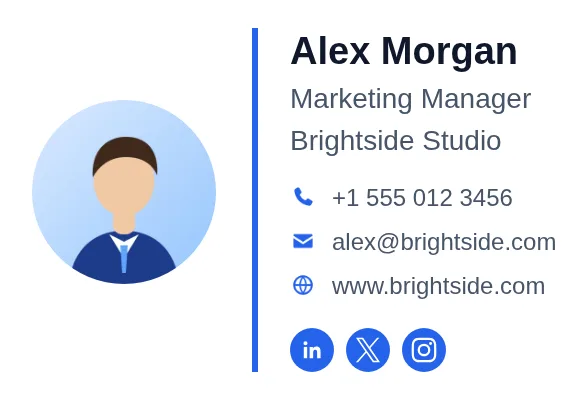
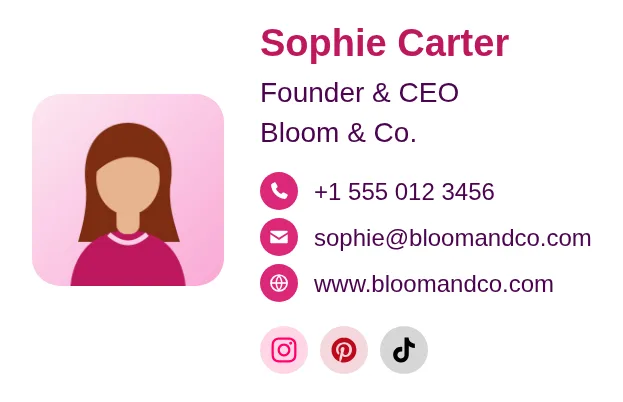
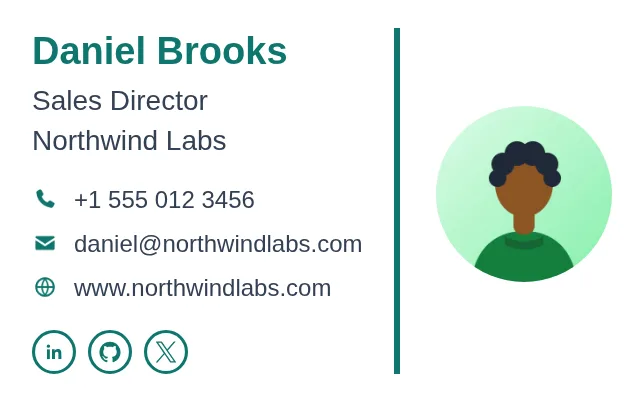
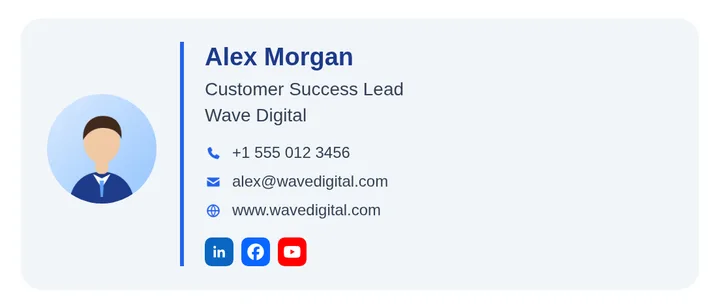
All 27 ready-made signatures. Make any of them yours in a few clicks.

Questions
Will my signature work in Outlook?
Yes. The designs use the email-safe layout that Outlook for Windows understands, and switch to one column on phones.
Do I need a paid plan?
You can build and keep up to two signatures for free on the website. To use them in NotiSpark Mail on your computers and phone, you need Pro or Business.
Can I use my own photo and logo?
Yes. Upload your photo or logo, or use one of the ready-made pictures while you try things out.
Is the handwriting my real signature?
It is your name written in a handwriting style you choose. It is added as a picture, so it looks the same for everyone.
Your inbox, but friendlier.
Free to download. Set up in two minutes. Upgrade only if you love it.